
System Architecture and Workflow: The “Zero-Touch” Onboarding Pipeline
In this scenario, a backend service (such as a Node.js server running on Google Cloud Run or AWS Lambda) acts as the central orchestrator. The workflow is triggered the moment an HR representative inputs the new hire’s core details.
Phase 1: The Trigger and Data Ingestion (Google Forms + Sheets API)
The process begins with structured data entry.
- HR fills out a standardized “New Hire Initiation” Google Form containing fields like: Candidate Name, Role, Department, Manager Name, Start Date, and Salary.
- This form automatically pushes data to a master Google Sheet.
- Sheets API: Our backend listens for new row entries (via a Webhook or periodic polling). Once a new row is detected, the API extracts the candidate’s data as a JSON object to be pushed down the pipeline.
Phase 2: Document Generation & Legal Compliance (Docs API)
Next, the system generates the necessary legal and operational paperwork.
- The system accesses two master templates in Google Drive: a “Standard Offer Letter” and an “Employee Handbook.”
- Docs API: Using the documents.batchUpdate and replaceAllText endpoints, the system dynamically populates placeholders. {{CANDIDATE_NAME}}, {{START_DATE}}, and {{SALARY}} are instantly replaced with the data fetched from Sheets.
- Within seconds, a legally accurate, highly personalized contract is generated without a human opening a word processor.
Phase 3: The Visual Welcome & Roadmap (Slides API)
A great onboarding experience requires more than just reading contracts. The new hire needs to understand their team and goals.
- The system duplicates a “Welcome to the Team” Google Slides template.
- Slides API: It uses presentations.batchUpdate to customize the deck. It replaces text placeholders like {{ROLE}} and {{DEPARTMENT}}.
- Advanced Integration: Using the ReplaceImageRequest method within the Slides API, the system can even dynamically pull the hiring manager’s profile picture from a company database and insert it into the “Meet Your Manager” slide.
Phase 4: Provisioning and Delivery (Drive API + Gmail API)
Generating the files is only half the battle; they must be securely organized and delivered to the candidate.
- Drive API: The system uses files.create to generate a dedicated folder named “[Candidate Name] – Onboarding Materials”. It then uses files.update to move the generated Docs and Slides into this specific folder. Crucially, it sets the folder permissions so only the HR manager and the new hire’s personal email have “Viewer” or “Commenter” access.
- Gmail API: Finally, the users.messages.send endpoint crafts a beautifully formatted HTML email welcoming the candidate. This email includes direct, authenticated links to their new Drive folder containing their offer letter and welcome presentation.
Technical Requirements and Authorization (OAuth Scopes)
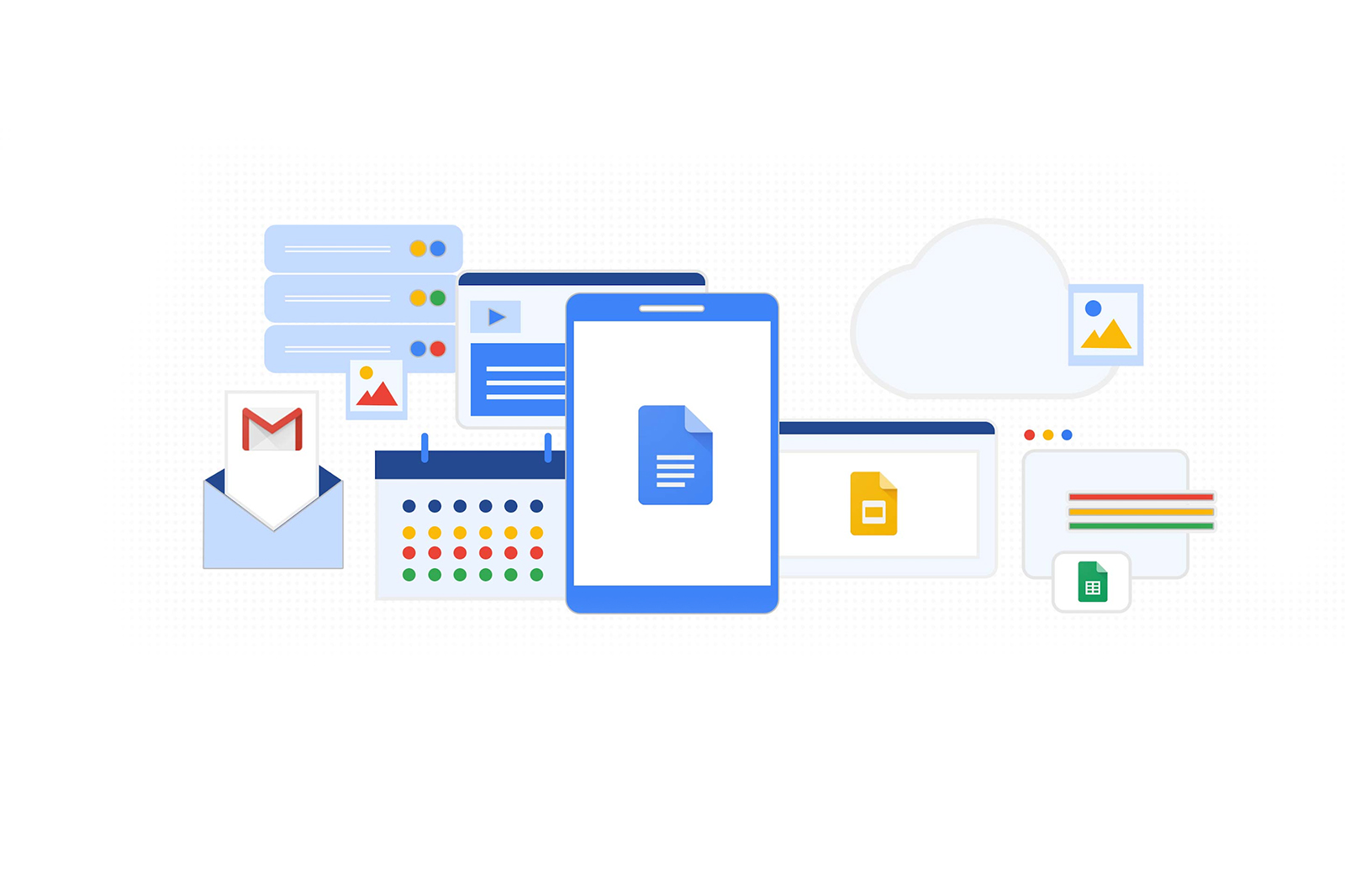
To implement this enterprise-grade pipeline, your service account or OAuth application will require the following scopes:
- https://www.googleapis.com/auth/spreadsheets.readonly (To read the new hire data)
- https://www.googleapis.com/auth/documents (To generate contracts and handbooks)
- https://www.googleapis.com/auth/presentations (To customize the welcome deck)
- https://www.googleapis.com/auth/drive (To create folders, move files, and manage sharing permissions)
- https://www.googleapis.com/auth/gmail.send (To dispatch the automated welcome email)